
DIY Tips for Simple Medical Equipment Checks Before Professional Repair


Maintaining medical equipment in optimal condition is crucial for ensuring accurate diagnostics and patient safety. While professional repairs are sometimes necessary, there are simple checks you can perform yourself before seeking expert help. Here are some DIY tips to help you assess and maintain your medical equipment.
Visual Inspection
The first step in equipment maintenance is a thorough visual inspection. Look for any obvious signs of wear and tear, such as frayed wires or loose components. Pay close attention to the outer casing for cracks or damage that might affect functionality.
Check the display screens for clarity and ensure all buttons and switches are responsive. This simple step can help you identify issues early and prevent more serious problems.

Power Supply Check
Power issues are a common cause of equipment malfunction. Start by confirming that the device is properly plugged in and that the power outlet is functioning. Test the power cord for signs of damage and replace it if necessary.
If your equipment uses batteries, ensure they are charged and correctly installed. Consider swapping out old batteries for new ones to rule out power-related issues.
Calibration Verification
Calibration is essential for accurate readings. Verify that the equipment is properly calibrated according to the manufacturer's guidelines. Some devices have built-in calibration functions; consult the user manual for instructions.
Performing regular calibration checks can prevent inaccurate diagnostics and improve the reliability of your equipment.
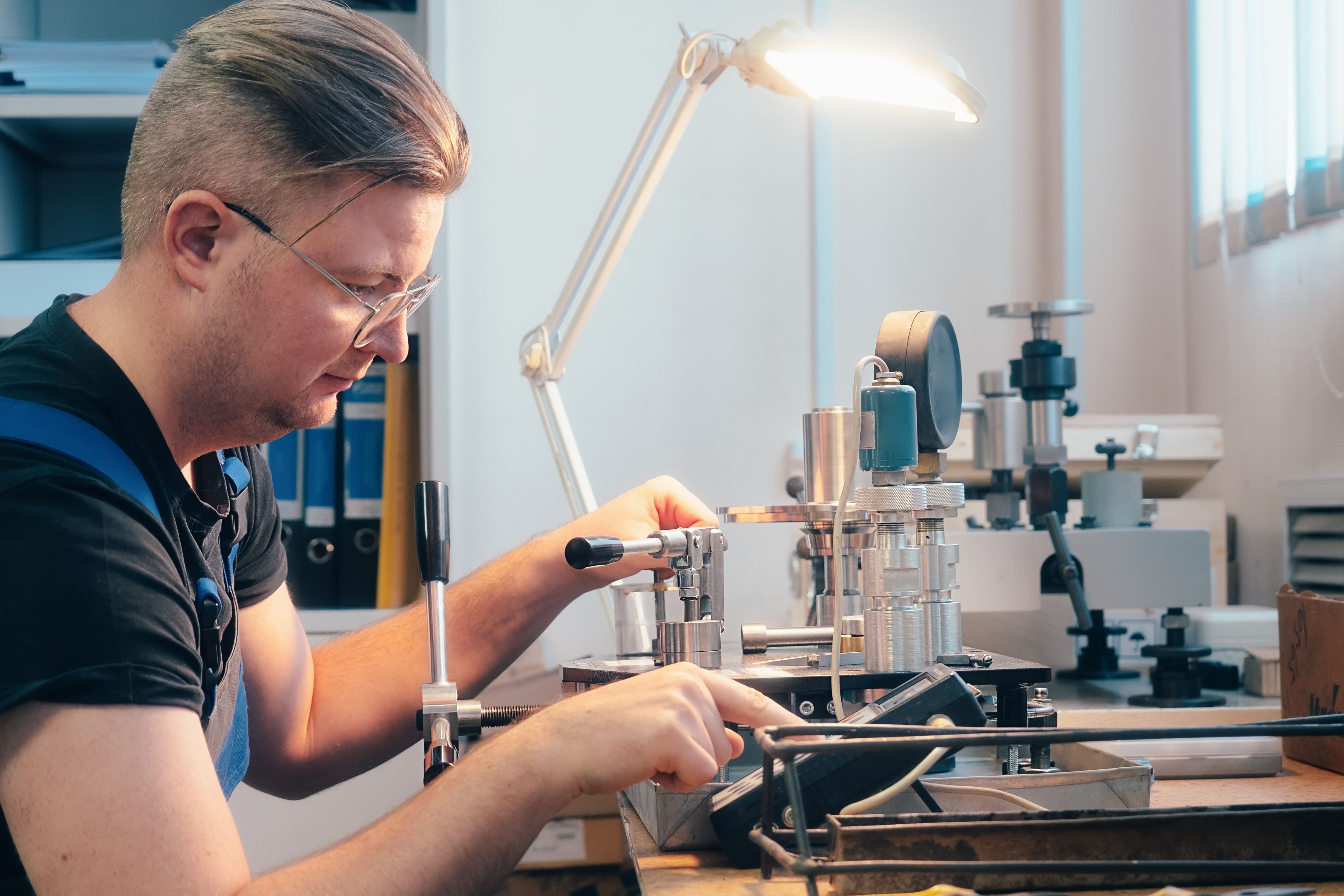
Cleaning and Maintenance
Regular cleaning is vital for maintaining medical equipment. Use appropriate disinfectants and cleaning agents as recommended by the manufacturer. Pay special attention to areas that come into contact with patients to prevent cross-contamination.
Ensure that all parts are dry before reassembling the equipment. Regular cleaning not only promotes hygiene but also extends the lifespan of your devices.
Connectivity and Software Updates
For equipment that relies on software, ensure that all updates are installed. Software updates often include bug fixes and new features that improve device performance. Check for connectivity issues with other devices or networks, ensuring all connections are secure.

Operational Testing
After completing the above checks, perform a basic operational test. Turn on the equipment and run it through its standard functions. Listen for unusual sounds and monitor the device for any irregularities in operation.
If you notice any persistent issues, it's best to consult a professional repair service. Early detection and maintenance can save time and reduce repair costs in the long run.